Summer is here, and if you’re already hearing “can I watch something?” more than you’d like, you’re not alone. When the routine changes and the days stretch out, screens become the easy default. But here’s the thing: the same curiosity that pulls little learners toward a screen is the exact same curiosity that will pull them toward a bin of water, a magnifying glass in the grass, or a cup of bubble solution.
They don’t need to be entertained. They need to be invited to explore.

Why Screens Win (And How Hands-On Play Can Too)
Screens work because they’re immediate, colorful, and require zero setup. That’s a hard combination to compete with when you’re juggling everything else. But play-based STEAM has something screens don’t: real sensory input, real problem-solving, and real collaboration with the people around them.
The trick isn’t banning screens altogether. It’s making the hands-on option just as easy to say yes to. That means having something ready before the screen request comes. Something simple to set up, interesting enough to hold attention, and connected to real learning.
Here are four ideas pulled straight from the themes inside our Summer Explorers Play Guide for members inside Pathways.
1. Set Up a Water Play Station
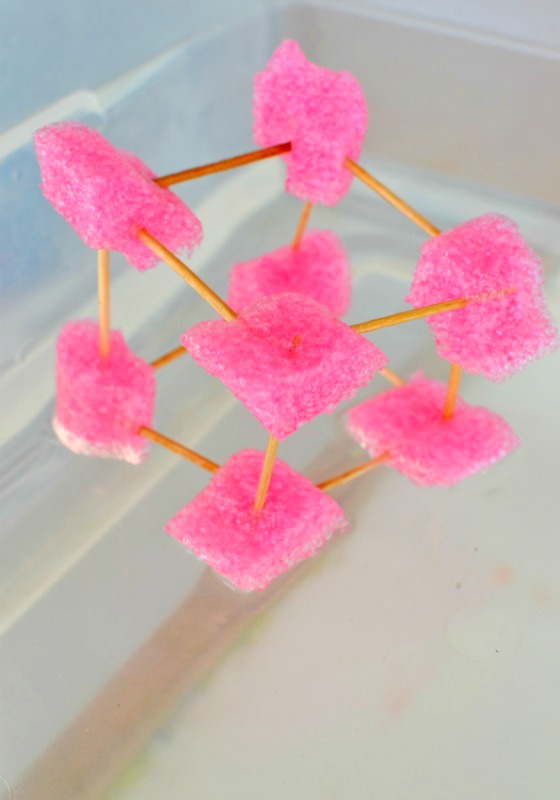
Fill a bin with water and set out funnels, cups, pool noodles, and plastic bottles. That’s it. Your little learners will pour, redirect, and experiment with water flow on their own. They’re exploring gravity, force, and cause and effect without realizing it. Inside this month’s Play Guide, we take this further with activities like building a water wall and engineering challenges that turn simple water play into intentional STEAM learning.
2. Bring the Beach to Your Backyard (or Sensory Table)
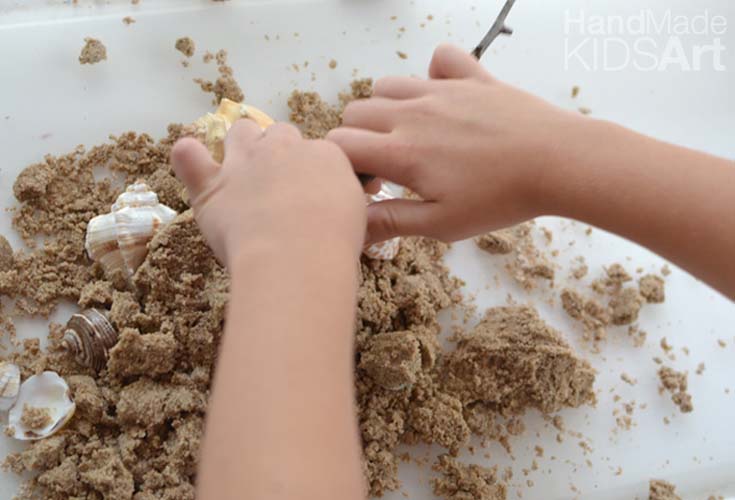
You don’t need to live near the ocean. A tray of sand, a collection of seashells, and a magnifying glass turn any space into a discovery zone. Little learners will sort, compare, and investigate textures and patterns. Pair it with a picture book like A House for Hermit Crab by Eric Carle, and you’ve added literacy and creativity to the mix. Our Play Guide inside our Member Lab includes a full week of beach and ocean discovery activities that build on this kind of exploration.
3. Go on a Bug Hunt
Nothing replaces a screen faster than finding a real bug. Hand your little learners a magnifying glass and send them outside. Encourage them to look under leaves, along fences, and in the grass. Talk about what they notice: How many legs does it have? Where does it live? What is it doing? That natural curiosity is the starting point for real science observation. June’s Play Guide turns this into a full week of bugs and nature activities, including building insect hotels and exploring pollination.

4. Pull Out the Bubbles (With a Twist)
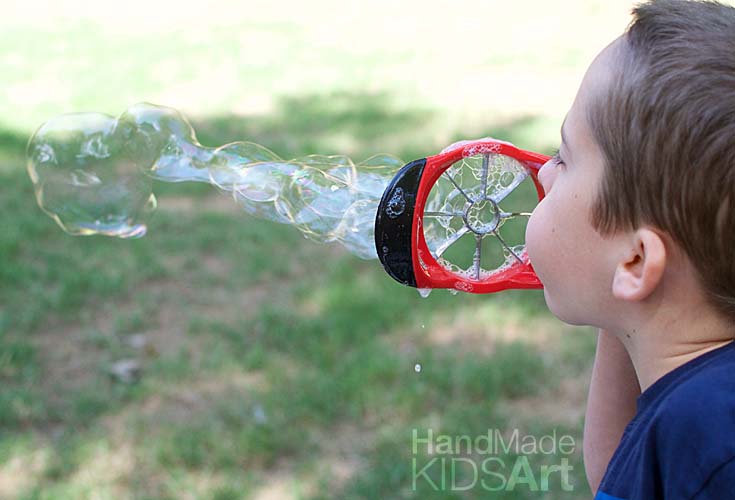
Bubbles are a guaranteed screen-time replacement, but you can take them beyond just blowing and popping. Challenge your little learners to blow the biggest bubble, make a bubble bounce on a glove, or paint with bubbles on paper. Each of those challenges introduces variables, prediction, and testing. This month’s Play Guide has an entire week of bubble-themed STEAM activities that turn a simple bottle of bubble solution into days of learning.
The Real Secret to Beating Screen Time
Notice what all four of these ideas have in common? They’re simple to set up, they use materials you already have, and they tap into what your little learners are naturally curious about. That’s the starting point. But knowing what to set up is one thing. Knowing how to guide the exploration, ask the right questions, and extend the learning across every STEAM domain is another. That’s the part that takes a plan.
That’s Where the Summer Explorers Play Guide Comes In
Inside the Preschool STEAM Member Lab, the Summer Explorers Play Guide gives you four full weeks of play-based STEAM, organized by theme: Water Play Adventures, Beach and Ocean Discovery, Bugs and Nature Up Close, and Bubbles. Each week includes a Moment of Wonder to spark curiosity, and you’ll have access to 16 complete lessons with teaching strategies, guided STEAM questions, and extension ideas. Plus book recommendations and video links to bring each theme to life.
No more scrambling for ideas when the screen request hits. A whole month is already planned.



Leave a Reply